Microsoft Adds Optional “Ask Copilot” Box to Windows 11 Taskbar
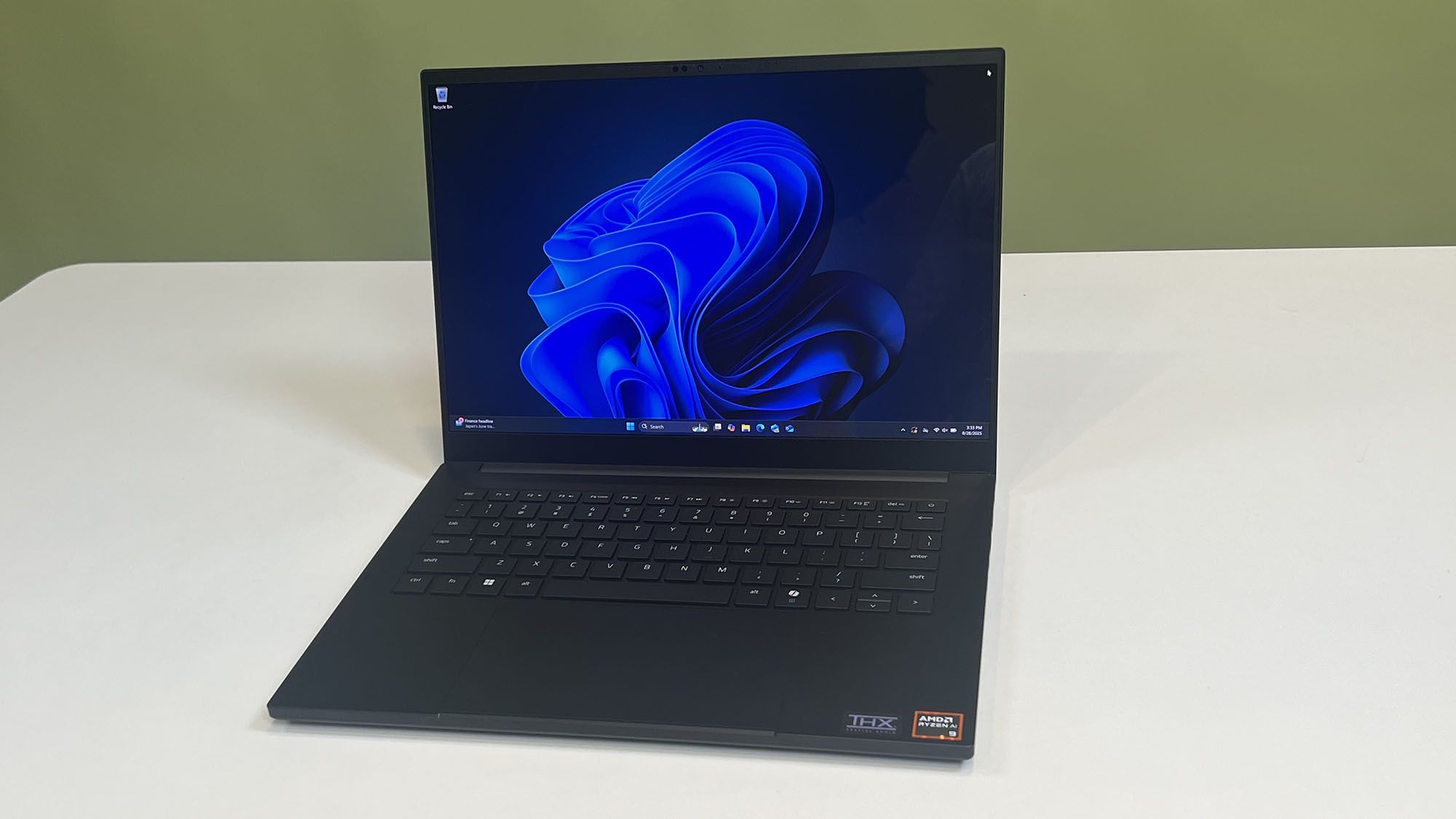
New AI‑Powered Search Option on the Taskbar
In a recent preview build of Windows 11, Microsoft announced the introduction of an “Ask Copilot” box that sits in the taskbar where the traditional search field has lived. The box functions much like the existing search, allowing users to type queries, but it routes those queries through the Copilot artificial‑intelligence system. This change is part of Microsoft’s broader push to embed AI capabilities across the Windows experience.
How It Works and What It Replaces
When the feature is enabled, typing in the taskbar box still produces results similar to Windows Search—files, apps, and settings—yet the responses are guided by Copilot, which can also suggest related queries or surface relevant content. Users who prefer the classic search experience can still access it with a single click, which opens the Start menu and runs the query in the traditional manner.
Additional AI Tools at a Glance
The “Ask Copilot” box includes small icons that provide one‑click access to Copilot Vision, an image‑based AI capability, and to voice command functionality. These shortcuts encourage users to explore the broader suite of AI tools that Microsoft is integrating into the operating system.
Opt‑In Design and Activation Steps
Microsoft made it clear that the new box is an opt‑in feature. It is turned off by default, and users must actively enable it. The activation path is Settings > Personalization > Taskbar > Ask Copilot. Because the feature is still in testing, only those running the specific preview build will see it.
Privacy Assurance
Addressing privacy concerns, Microsoft stated that “Ask Copilot uses existing Windows APIs to return apps, files, and settings—just like Windows Search—and does not grant Copilot access to your personal content.” In other words, the AI does not gain any new permissions beyond what the standard search already has, and it does not scan personal files beyond the scope of normal search operations.
Potential Future Role
While currently optional and limited to preview users, the feature could become a more central element of the Windows interface if Microsoft continues to expand AI integration. For now, it offers a glimpse of how AI may augment everyday tasks without altering the core privacy model of the operating system.
Usado: News Factory APP - descoberta e automação de notícias - ChatGPT para Empresas