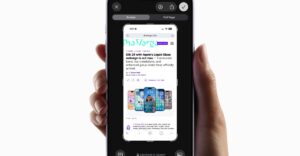
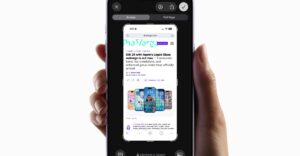
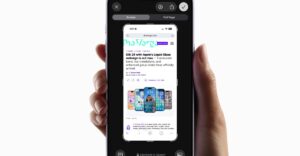
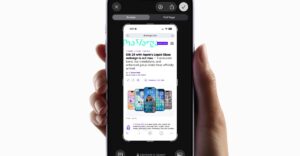
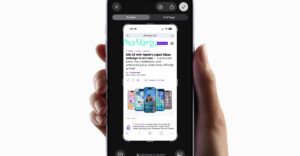
Apple’s iOS 26 update makes screenshots open in a full‑screen preview that dominates the display, replacing the older temporary thumbnail in the lower‑left corner. Users who prefer the unobtrusive thumbnail can disable the new behavior in Settings by navigating to General → Screen Capture and turning off the Full‑Screen Previews toggle. The preview still offers quick tools such as cropping, annotation, Google image search, Apple Intelligence, and ChatGPT assistance, but the thumbnail can be restored for a less intrusive experience.
Read more →